
Appointments can be viewed in Easy Scheduling > Appointments
Two display modes are available:
- List
- Calendar
List view
The List view displays appointments in a table format.
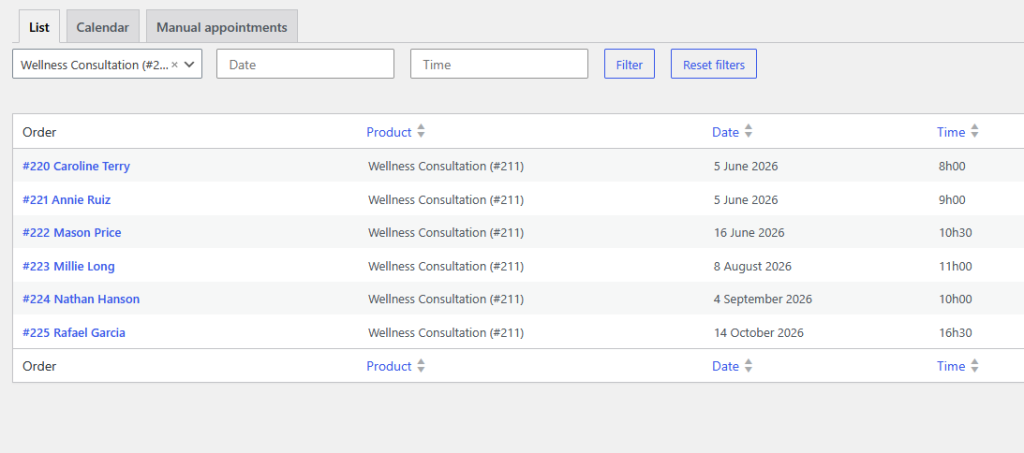
This view is useful for quickly searching and managing appointments.
Available filters:
- Product
- Date
- Time
The list updates automatically based on the selected filters.
Calendar view
The Calendar view displays appointments directly inside a calendar interface.
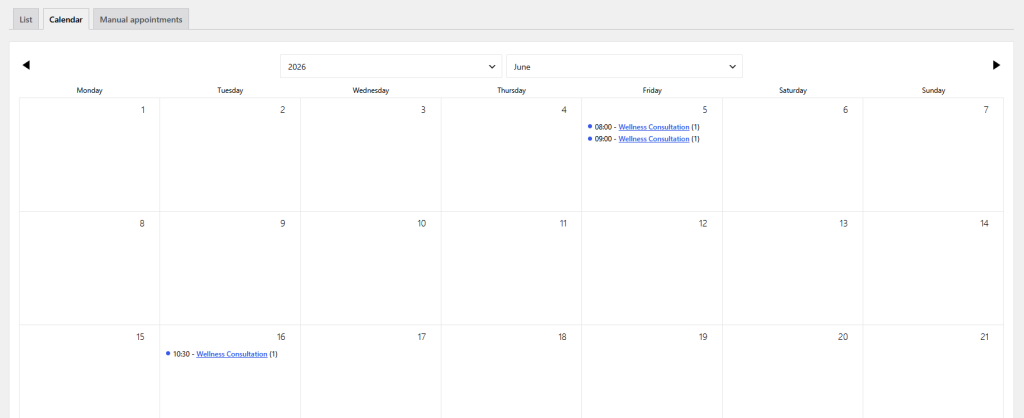
This view provides a clearer overview of:
- daily appointments
- busy periods
- upcoming reservations
- availability gaps
It is especially useful for businesses managing multiple appointments throughout the day.