
Appointments are enabled per product.
Simple products
To create an appointment product:
- Go to Products > Add New
- Create a WooCommerce product
- In the Product data section, enable the Appointment option
- Publish or update the product

For general WooCommerce product configuration, see: Managing WooCommerce products ↗
Variable products
For variable products, the Appointment option must be enabled:
- on the parent product
- and on each variation that should support appointments
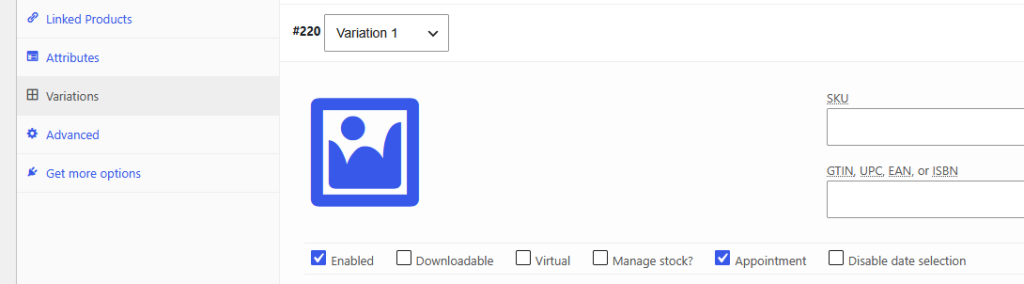
This allows you to mix appointment and non-appointment variations in the same product.
Example
A photography service could include:
- an in-person session with appointments enabled
- a digital product variation without appointments
Grouped products
For grouped products, enable the Appointment option on the parent product.
Child products can independently use appointments or remain standard WooCommerce products.